Who can see my phone number?
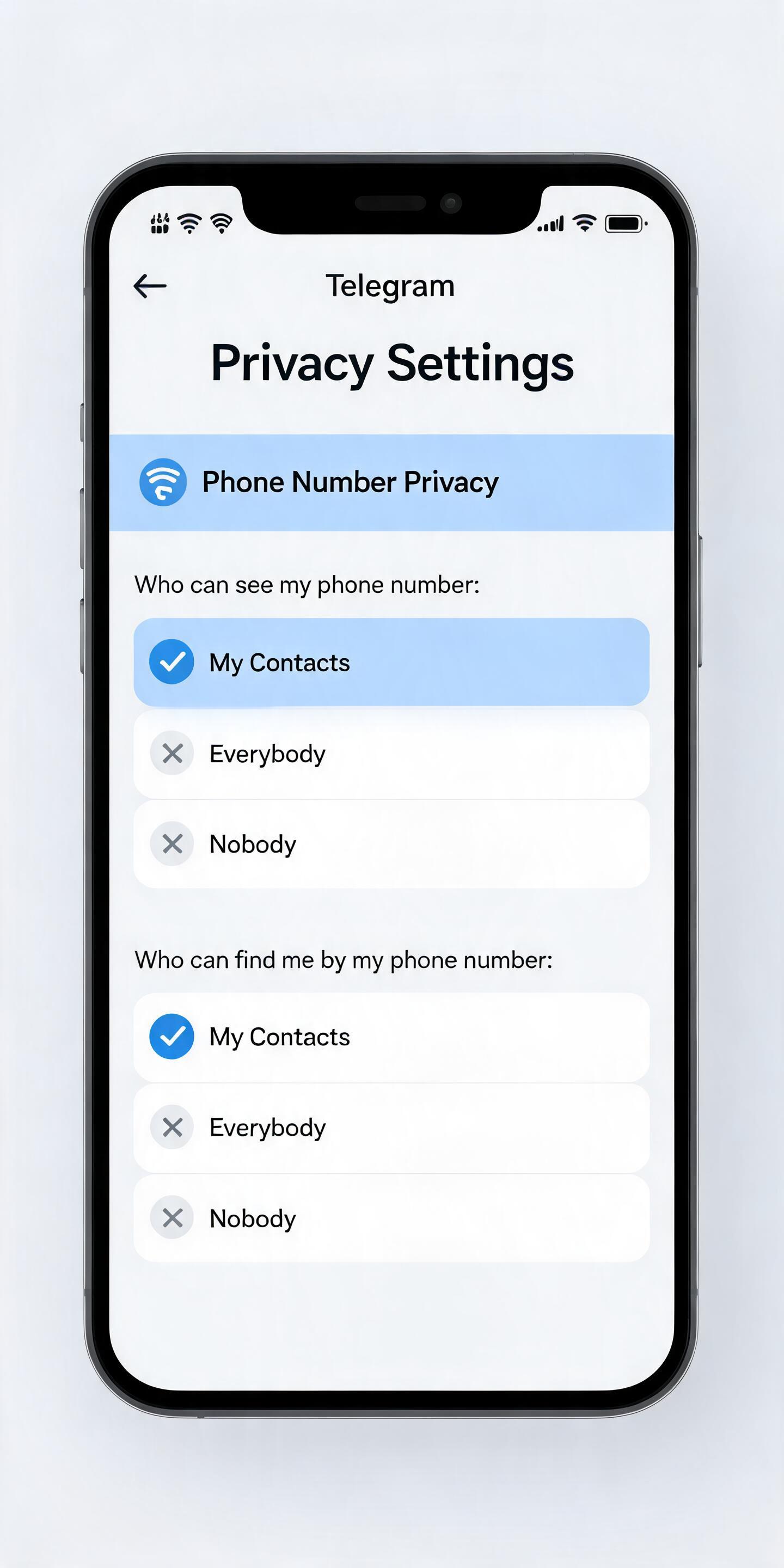
On Telegram, you can send messages in private chats and groups without making your phone number visible. By default, your number is only visible to people who you've added to your address book as contacts. You can further modify this in Settings > Privacy and Security > Phone Number.
Note that people will always see your number if they know it already and saved it in their address book.
I have a new phone number, what do I do?
Each phone number is a separate account on Telegram. You have several options if you are using multiple phone numbers:
- If you will no longer use the old number (e.g., you moved to a new country or changed your number for good), simply go to Settings and change the number connected to your Telegram account to the new number. Important: make sure you have access to your connected phone number – otherwise you risk losing access to your account.
- If you will use the new number for a limited time (e.g., you're on a trip or vacation), there's no need to do anything.
- If you want to keep using both numbers (e.g., you have a work phone and personal phone), choose one as your Telegram number. You may create another Telegram account on the second number as well, for example, if you want to keep work and personal chats separated. It is possible to log in to one Telegram app with several different accounts at once.
How do I log out?
Most users don't need to log out of Telegram:
- You can use Telegram on many devices at the same time. Just use the same phone number to log in on all devices.
- You can go to Settings > Data and Storage > Storage Usage > Clear cache to free up space on your device without logging out.
- If you use Telegram with multiple phone numbers, you can switch between accounts without logging out.
- If you use Telegram on a shared device, you can set up a passcode in Settings > Privacy and Security to make sure only you have access to your account.
If you do want to log out for some reason, here's how you do that:
- iOS: Go to Settings > Edit > Log out.
- Android, Telegram Desktop: Go to Settings > … (in the top right corner) > Log out.
If you log out, you will keep all your cloud messages. However, you will lose all your Secret Chats and all messages inside those secret chats when you log out.
Note that logging out does not trigger remote deletion of your secret chat messages on your partner's device — to do that, choose 'Clear History' first.
How do I change my phone number?
You can change your number in Telegram and keep everything, including all your contacts, messages, and media from the Telegram cloud, as well as all your Secret Chats on all devices.
To change your number, go to Settings, then tap on your phone number (just above the username), then 'Change Number'. If you already have a different Telegram account on the target number, you'll need to delete that account first.
How do I delete my account?
If you would like to delete your account, you can do this on the deactivation page. Deleting your account permanently removes all your messages and contacts. All groups and channels that you've created are orphaned and left without a creator but admins retain their rights.
This action must be confirmed via your Telegram account and cannot be undone.
We recommend using a non-mobile browser for this process.
Note that you'll receive the code via Telegram, not SMS.
What happens if I delete my account?
As was just mentioned above, all your data will be flushed from our system: all messages, groups, and contacts associated with your account will be deleted. That said, your contacts will still be able to chat in the groups that you have created, and they will still have their copy of the messages you sent them. So if you want to send messages that can vanish without a trace, try using our self-destruct timer instead.