📌 Before You Start
Many developers ask: "My bot code has businessMessage() logic, why am I not receiving updates?"
The answer is usually: you've only written half the code; the other half needs configuration in Telegram.
To let your bot handle personal account messages, you need two steps:
- Step 1: Enable Business Mode in @BotFather
- Step 2: Bind the bot to your personal account in Telegram App settings
🤖 Step 1: Enable Business Mode in BotFather
This is the most crucial step—it determines whether your bot can receive businessMessage updates.
Procedure
- Open @BotFather, send /mybots, select your bot.
- Navigate: Bot Settings → Business mode → Turn Business mode on.
(For Developers) Configure Webhook Update Types
If your bot uses webhooks, ensure allowed_updates includes:
- business_connection
- business_message
- edited_business_message
👤 Step 2: Bind the Bot in Telegram App
After BotFather setup, authorize the bot to handle your messages.
Procedure
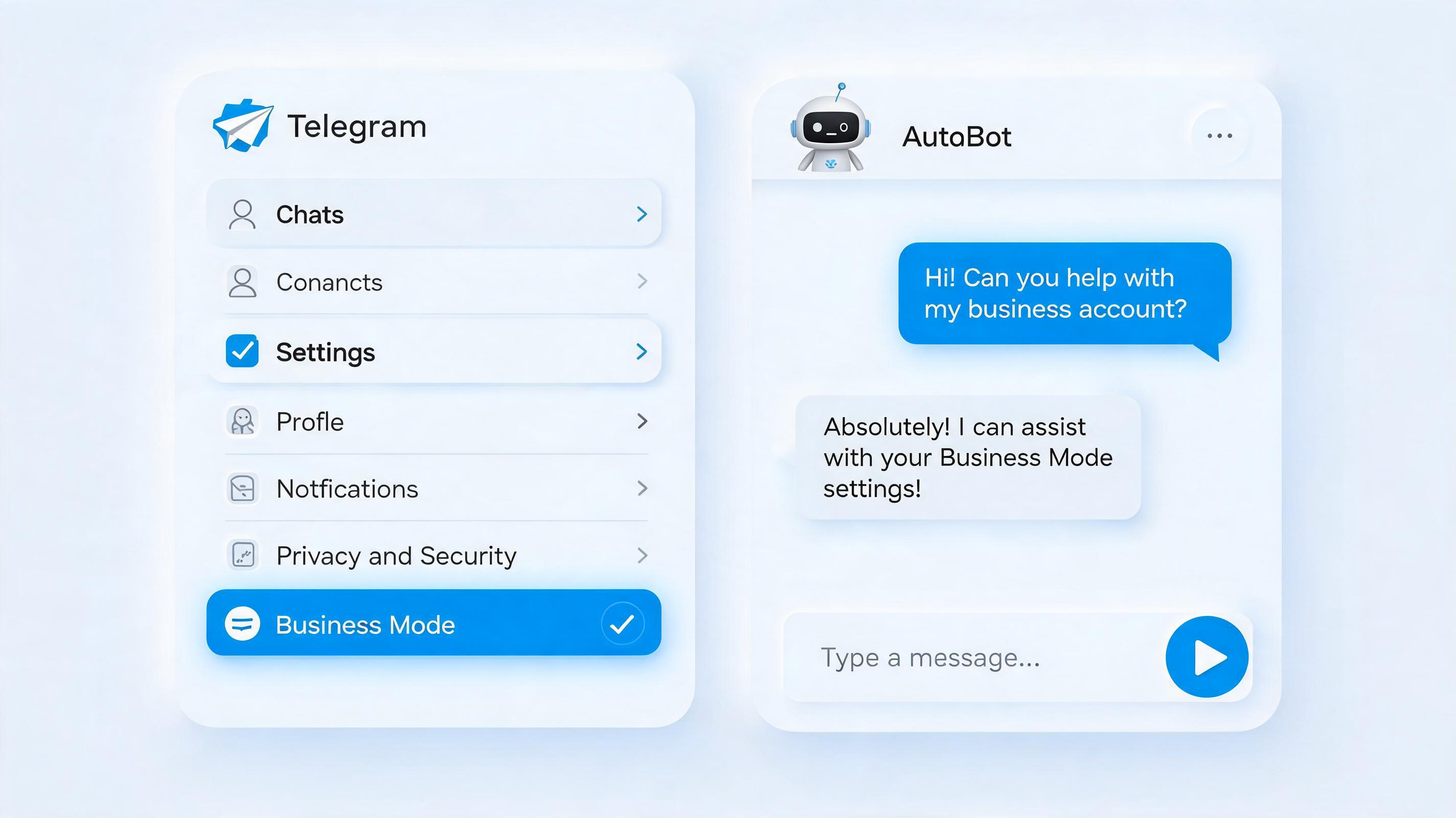
- Open Telegram Settings, tap "Telegram Business".
- Enter "Chatbots", type your bot's username (e.g., @YourBusinessBot), select it, and tap Add.
- Set access scope: All 1-to-1 Chats, Only Selected Chats, or Exclude Chats.
📱 Full Path
Settings → Telegram Business → Chatbots → Add bot → Set access scope → ✅ Done
🔔 Important Update: Now Completely Free!
Many still think Business features require Premium. Here's the timeline:
- 2024 launch: Telegram Premium only
- 2026 now: ✅ Free for all users!
No Premium subscription needed—your bot can handle all DMs.
🎯 What You Can Do After Setup
- ✅ Auto-reply to private messages
- ✅ Route customer inquiries by keywords
- ✅ 24/7 FAQ handling
- ✅ Integrate with your code for automated marketing
- ✅ Collect businessMessage data for analytics
⚠️ FAQ
Q1: Still not receiving businessMessage?
A: Check Business Mode in BotFather is on, and webhook allowed_updates includes business_message.
Q2: Need Premium?
A: No. Free since 2026.
Q3: Can I bind multiple bots?
A: Yes, add multiple bots in Chatbots menu.
Q4: Can the bot access history?
A: No, only messages received after binding.
Q5: Priority order in code?
A: Normal messages > Channel posts > Business messages.
📝 Summary
- Step 1: Enable Business Mode in @BotFather
- Step 2: Add businessMessage logic in code
- Step 3: Bind bot in Telegram Settings
- Step 4: Set access scope