Telegram Login Issues? Practical Tips to Keep Your Accounts Safe
Dealing with Telegram login errors or account restrictions? Here are hands-on tips we've learned using TELEMMX for multi-account management, bulk messaging, and account warm-up.
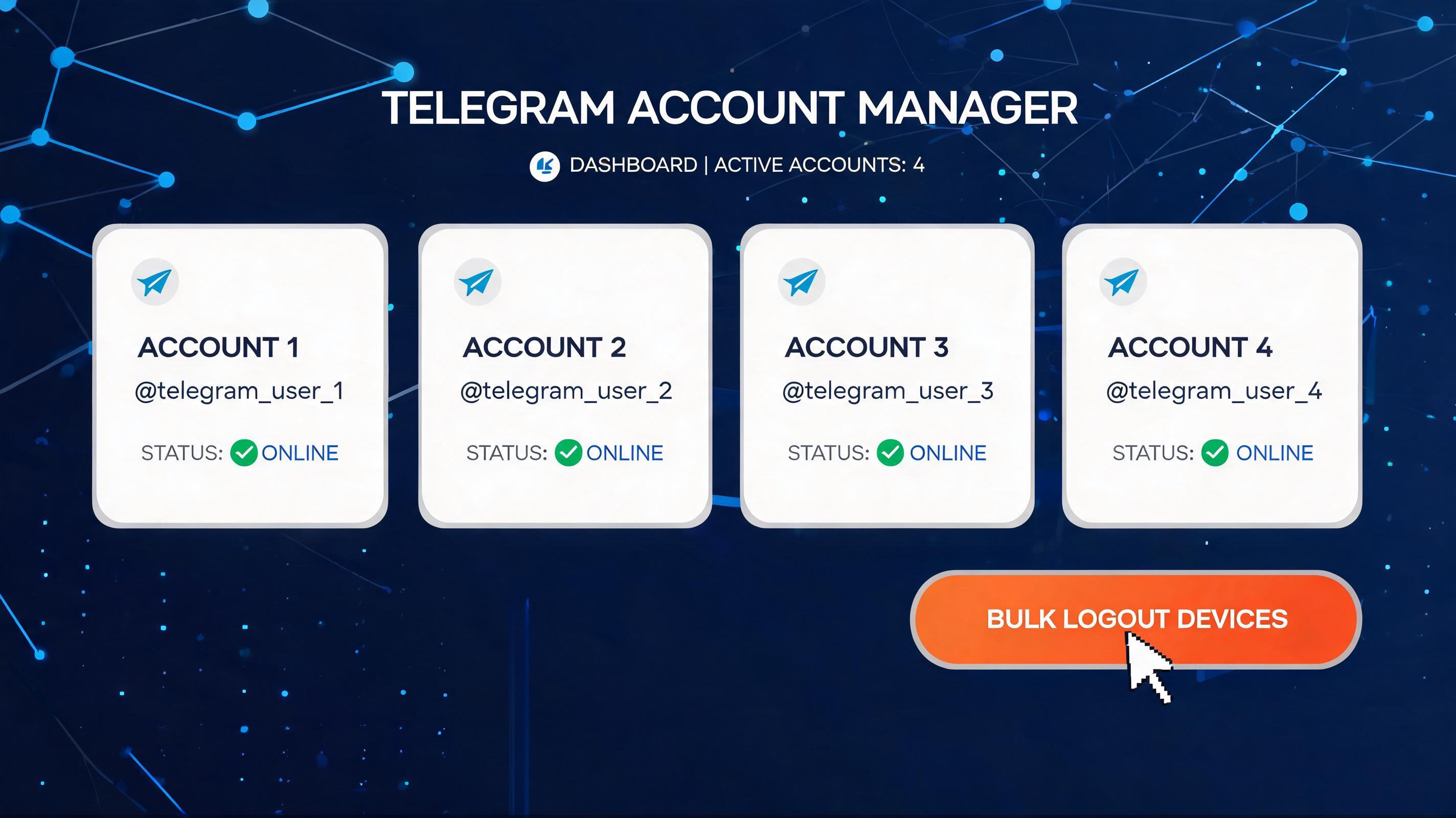
When managing a growing number of Telegram accounts, stale login sessions can become a hidden security risk. Old devices that remain signed in after team members switch hardware or offboard are a common problem—especially for matrix accounts, customer service numbers, and business profiles.
Manually reviewing and removing each device one by one is tedious and error-prone. Telemmx changes this by turning a repetitive manual process into a bulk, automated task.
Most teams now handle dozens or even hundreds of Telegram accounts. Cleaning up historical devices manually creates clear problems.
Logging out other devices manually may look simple, but you often run into verification code delays, two-step verification, unstable networks, session errors, slow device list loading, and page freezes. Ten accounts may be manageable, but 50 or 100 quickly become a full-time chore.
Manual processes frequently lead to forgotten accounts, partially removed sessions, or accounts skipped after login failures. Just one overlooked historical device can leave a security gap.
Team accounts suffer from scattered management. Each account requires separate login, manual action, and confirmation, so operational effort grows linearly with account count.
Mature teams often schedule routine checks, such as weekly device cleanups or bulk offboarding after employee departures. Relying on manual work makes these audits hard to sustain, and old sessions pile up over time.
Telemmx streamlines the process into three simple actions: log in accounts, select the ones you need, and click Log Out Other Devices. You don't need to open each Telegram client or deal with verification codes and device lists one by one.
Before batch processing, you need to bring your accounts into Telemmx. Two methods are supported.
Best for new or unregistered accounts that need quick onboarding.
This is ideal for new team accounts, accounts not yet imported, bulk onboarding of matrix numbers, and unified setup for customer service or business numbers. Compared to manual login, OTP login lets the system handle the entire flow while you walk away.
If you already have account credentials or session files, you can import them directly.
Once imported, Telemmx detects account status and adds them to the unified list. This is useful for existing account assets, migrations from older systems, saved account packages, and consolidating existing accounts without re-login.
With accounts in Telemmx, bulk processing is straightforward.
Telemmx then executes the cleanup for each selected account. It retains the current management session, clears other login sessions, forces old devices to log out, and returns the results. No need to manually open each Telegram device page or confirm each logout.
After the batch task runs, Telemmx displays the outcome for each account.
Personal accounts can be handled manually, but team operations require a unified entry point, batch actions, visible statuses, traceable outcomes, retryable failures, and reusable workflows. Telemmx delivers these as system capabilities.
Telemmx turns the tedious process of logging out historical Telegram devices into a scalable, team-friendly workflow. Instead of clicking through settings for every account, you can batch the process and focus on more important work.
Dealing with Telegram login errors or account restrictions? Here are hands-on tips we've learned using TELEMMX for multi-account management, bulk messaging, and account warm-up.
A serious security flaw in Telegram Desktop versions before 7.2.9 could let attackers steal files from your computer through a single malicious link. Update now and take these precautions.
Learn how to use Telemmx to batch check Telegram account device info and read official notifications like login codes, helping you monitor account security and streamline multi-account management.