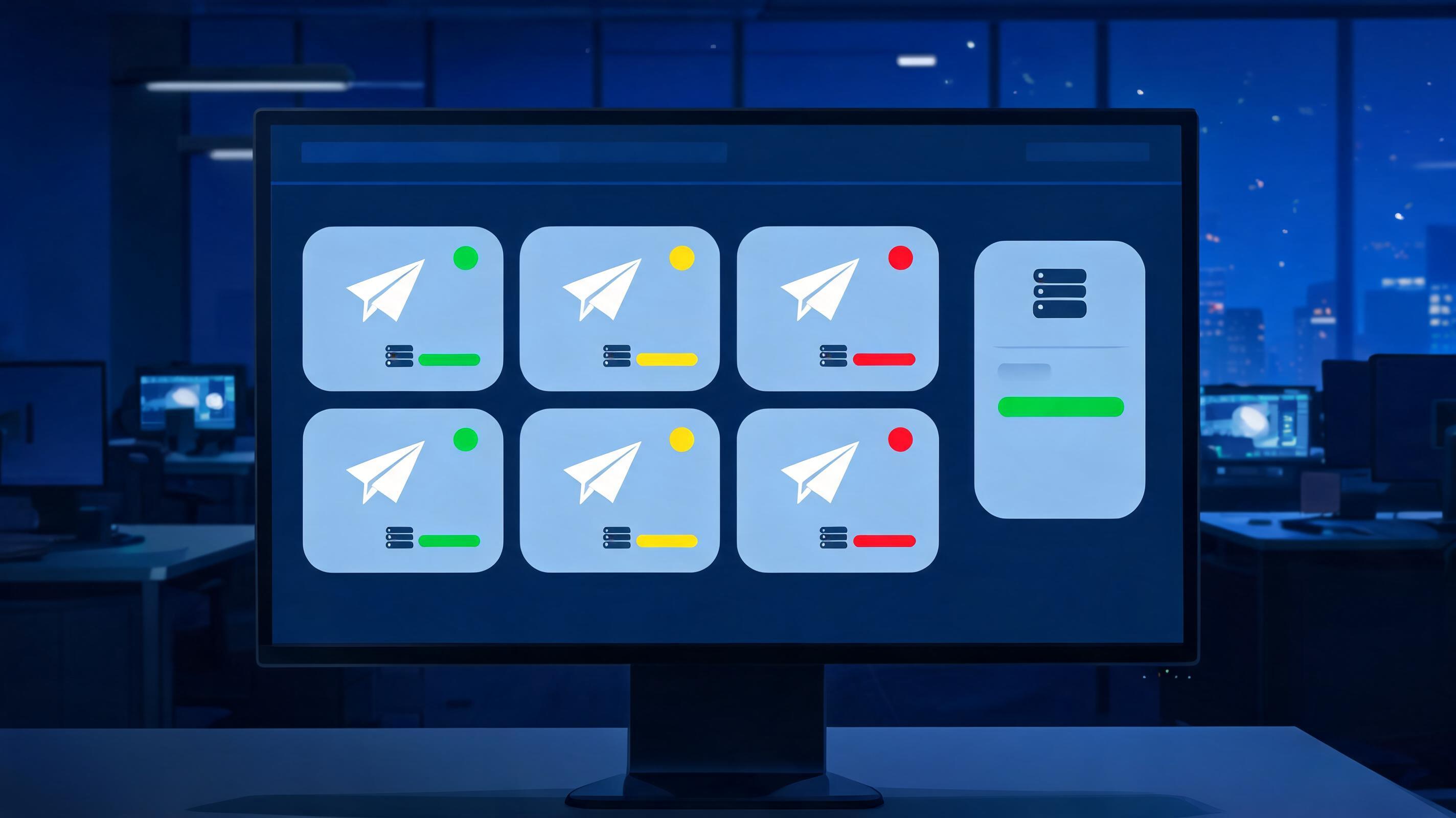
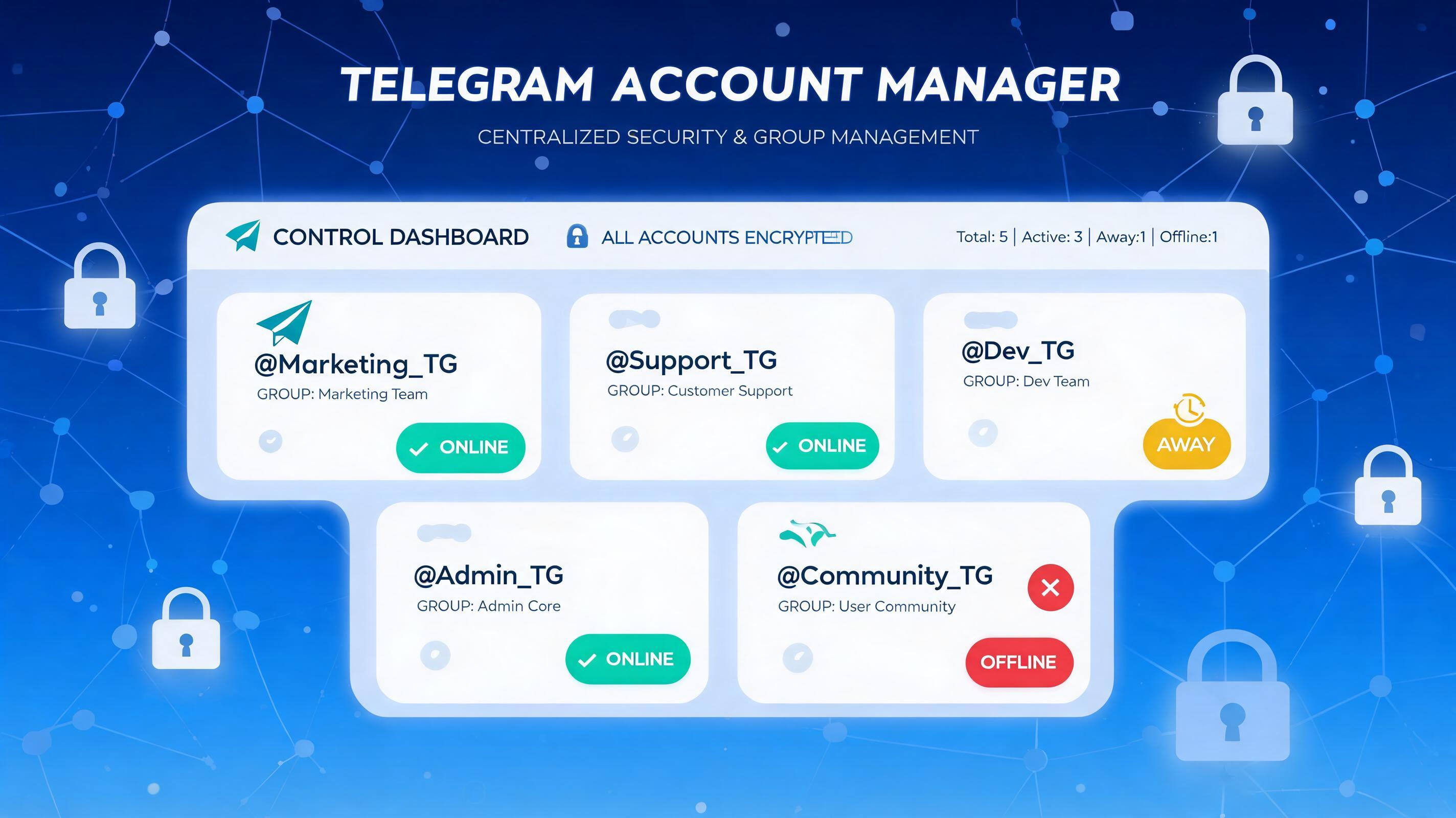
TELEMMX centralizes Telegram multi-account management by bringing all your accounts into one unified workspace, so teams can view profiles, statuses, proxy settings, and operation logs without switching between windows.
1. Centralized Account Overview
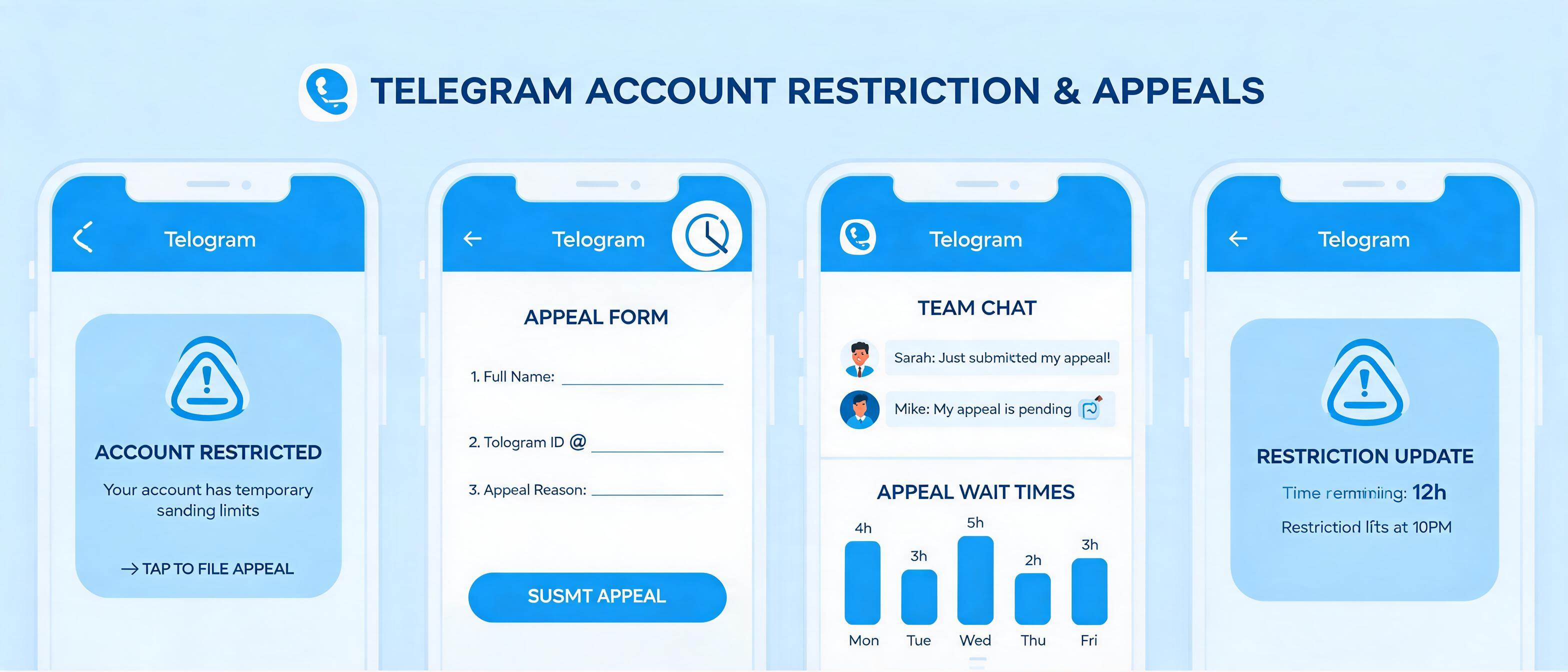
The account list displays phone numbers, API connections, network status, account status, restrictions, logs, and display names at a glance. Managers can quickly identify whether an account is operating normally without toggling between multiple screens.
2. Group Accounts by Purpose
As your account volume grows, you can organize accounts into groups such as:
- Customer service accounts
- Content operation accounts
- Community management accounts
- Customer follow-up accounts
- Accounts pending review
Grouping helps team members find the right account faster and reduces the risk of account misuse.
3. Manage Proxy and Network Status
When different accounts run on different network environments, confirm each account’s proxy and network status before executing tasks. Checking configurations in advance can prevent many operation issues caused by network anomalies.
However, network configuration cannot replace compliant operation. Teams must still follow Telegram platform rules and respect user consent.
4. Manage Account Profiles and Logs
Teams can organize usernames, display names, bios, and avatars to make each account’s business purpose clearer. When an account behaves abnormally, logs and device information help the team understand recent operations.
Summary
TELEMMX brings scattered Telegram account management into one interface through account lists, grouping, proxy controls, status checks, profiles, and logs, empowering Telegram teams to work more efficiently and securely.