In the Telegram marketing ecosystem, one of the most frustrating operations is constantly entering phone numbers and verification codes. Especially when you need to manage hundreds or thousands of accounts, the traditional "phone verification code" login method is clearly too inefficient.
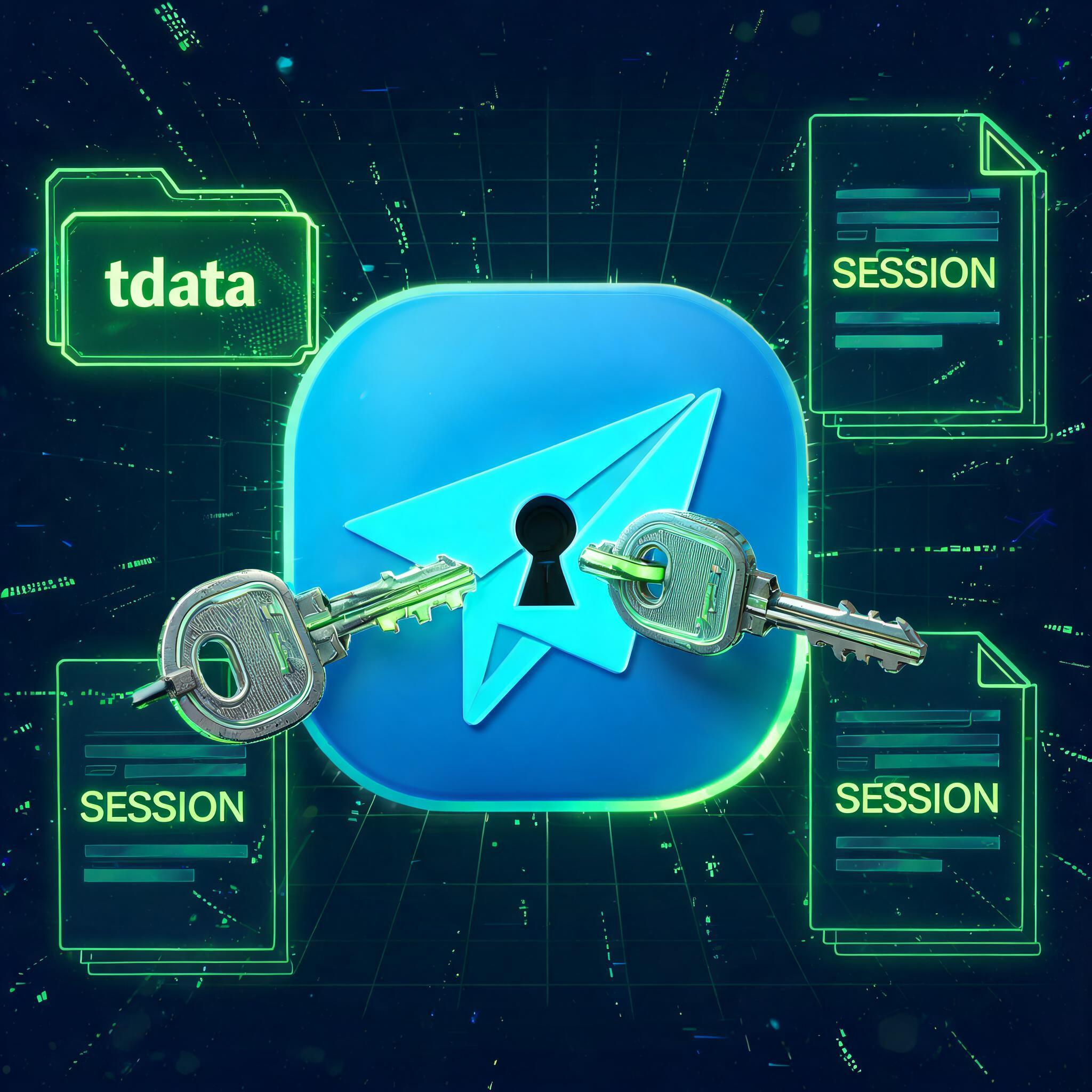
Thus, two special password-free login methods emerged in the industry: Session and tdata. Although both can "skip phone verification codes," their underlying logic and usage scenarios are vastly different. Today, we will thoroughly understand these two.
1. What is Session? (Protocol Credential)
Definition: A Session is essentially a session credential file between the Telegram client and server. In computer technology, it usually has a .session or .json extension.
How it works: When you log in to an account on a device for the first time, the Telegram server sends an encrypted "pass" (i.e., Session file). As long as you save this file properly, you can import it directly the next time you start the software, and the system will recognize your identity without needing to enter your phone number and password again.
Key features:
- It is a "protocol account": it resembles interface data and relies on specific programs to read it.
- Usage limitation: It cannot be opened by double-clicking in the official desktop client (Telegram Desktop).
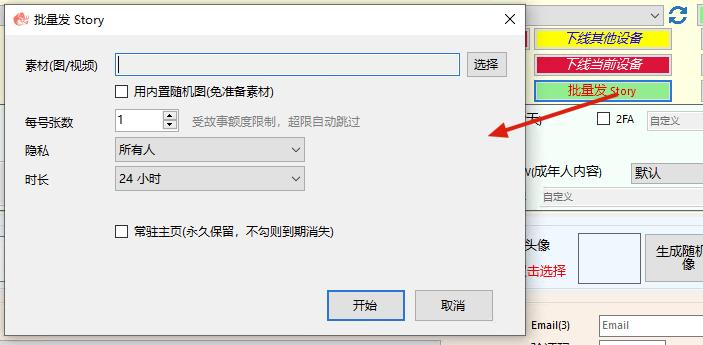
- Best partner: Usually used with automation scripts, group control software, or third-party marketing tools (e.g., "TG Marketing Assistant") for batch loading and management.
2. What is tdata? (Direct Login Data)
Definition: tdata is a local data directory specific to the Telegram Windows desktop client. Its name comes from the client's data storage folder name—tdata.
How it works: All login states, decryption keys, and session information of the PC version of Telegram are stored in this tdata folder. This folder is equivalent to the account's "digital ID" on the computer.
Key features:
- It is a "direct login account": it is the native data format of the official client.
- Usage: Extremely simple and straightforward. You just need to copy someone else's tdata folder and replace the original files in your own Telegram installation directory.
- Experience: Open the software and you can directly log in to the other person's account without a password. The operation experience is exactly the same as your normal login, without any additional plugins.
3. Session vs tdata: Key Differences at a Glance
To help you understand more intuitively, we summarize the differences as follows:
- Nature: Session is a protocol credential file; tdata is an official client local data directory.
- Universality: Session requires specific third-party tools to recognize; tdata can be used directly on the official desktop client.
- Difficulty: Session is medium (requires importing file); tdata is low (direct folder replacement).
- Use cases: Session is suitable for batch group control and script automation; tdata is suitable for direct login on personal computers and quick account switching.
4. Practical Advice: How Should Studios Choose?
In actual operations, many professional studios adopt a "hybrid strategy":
Batch management phase (use Session): When purchasing a large number of accounts or conducting automated testing, they usually export .session files first. Because these files are small in size, easy to transfer, and can be scheduled via scripts.
Actual use phase (convert to tdata): When actually needing to send messages and manage groups on a computer, many operators use tools to convert Session files to tdata format. This allows seamless switching in the official client without installing additional group control software, keeping the interface clean.
5. Conclusion
Understanding the difference between Session and tdata can save you a lot of time and help you quickly determine whether an account issue is a "protocol problem" or "local data corruption." MMX Assistant supports direct import of both types of accounts.
Do you want to learn more about how to operate?
- Do you need to convert Session files to tdata for direct login on a computer?
- Or do you want to know how to protect your Telegram account from being hijacked by others copying your tdata?
Feel free to leave a comment telling me your goal, and we will address it in the next article.