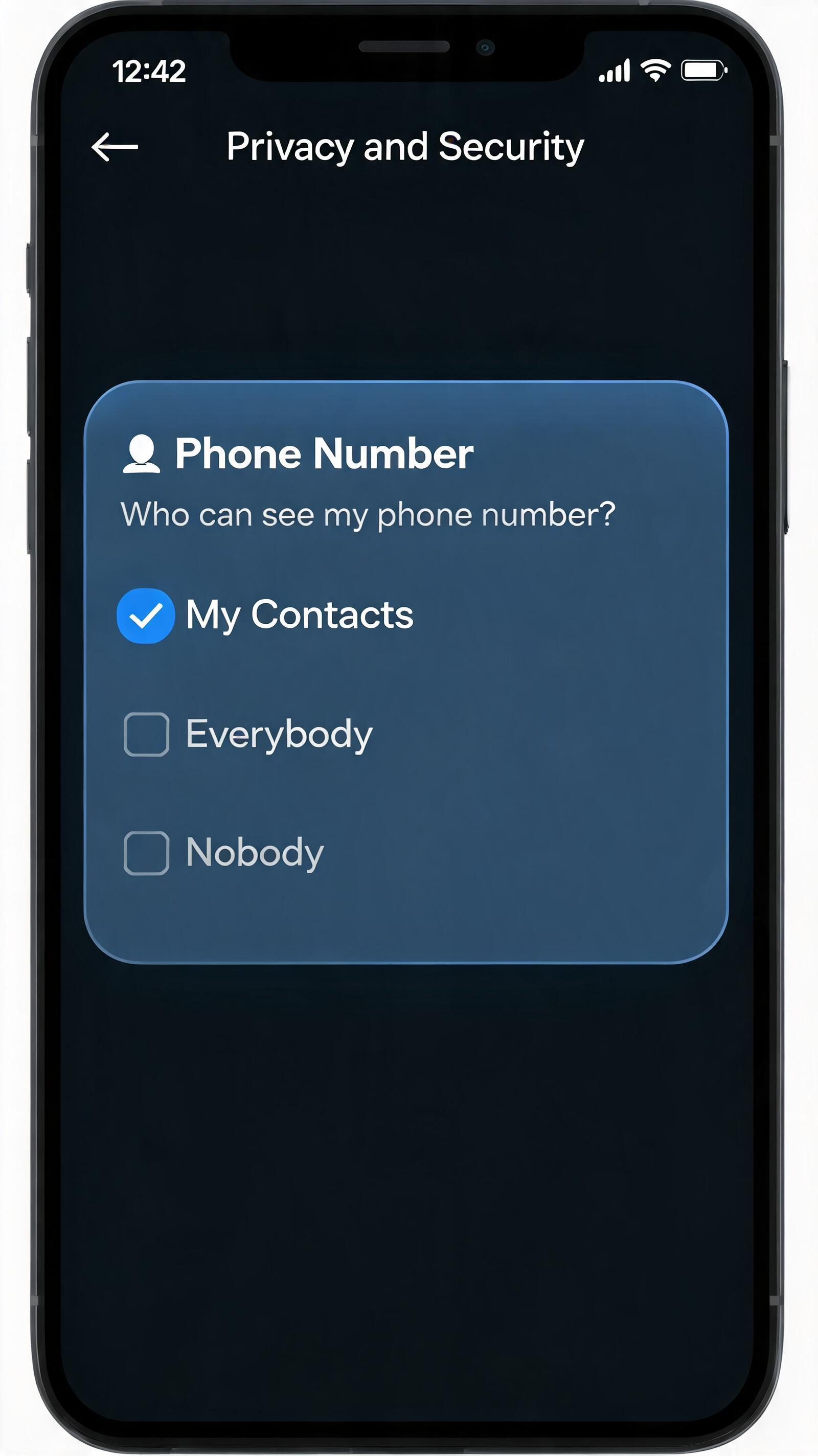
To prevent others from accessing your Telegram account via UID (tg://user?id=number), you need to restrict who can find you by phone number to My Contacts.
Follow these steps:
- Open Settings: Go to Telegram on your phone, tap the Settings icon at the bottom right.
- Privacy and Security: Tap Privacy and Security.
- Phone Number: Find and tap Phone Number.
- Restrict Discovery: Set Who can find me by my number to My Contacts.
Note: If you have previously added someone to your contacts, or if they know your @Username, they can still start a conversation. To completely avoid being found by strangers, consider removing your username and not sharing your phone number publicly.
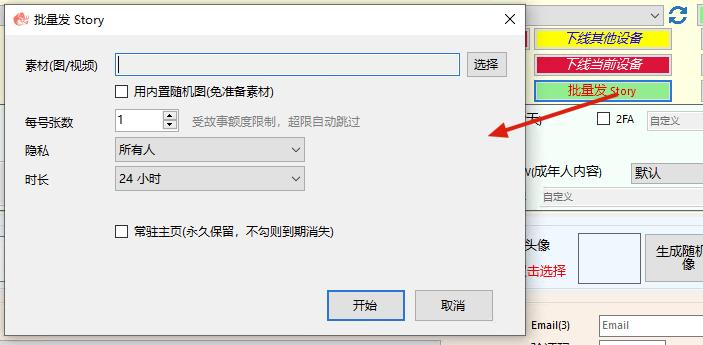
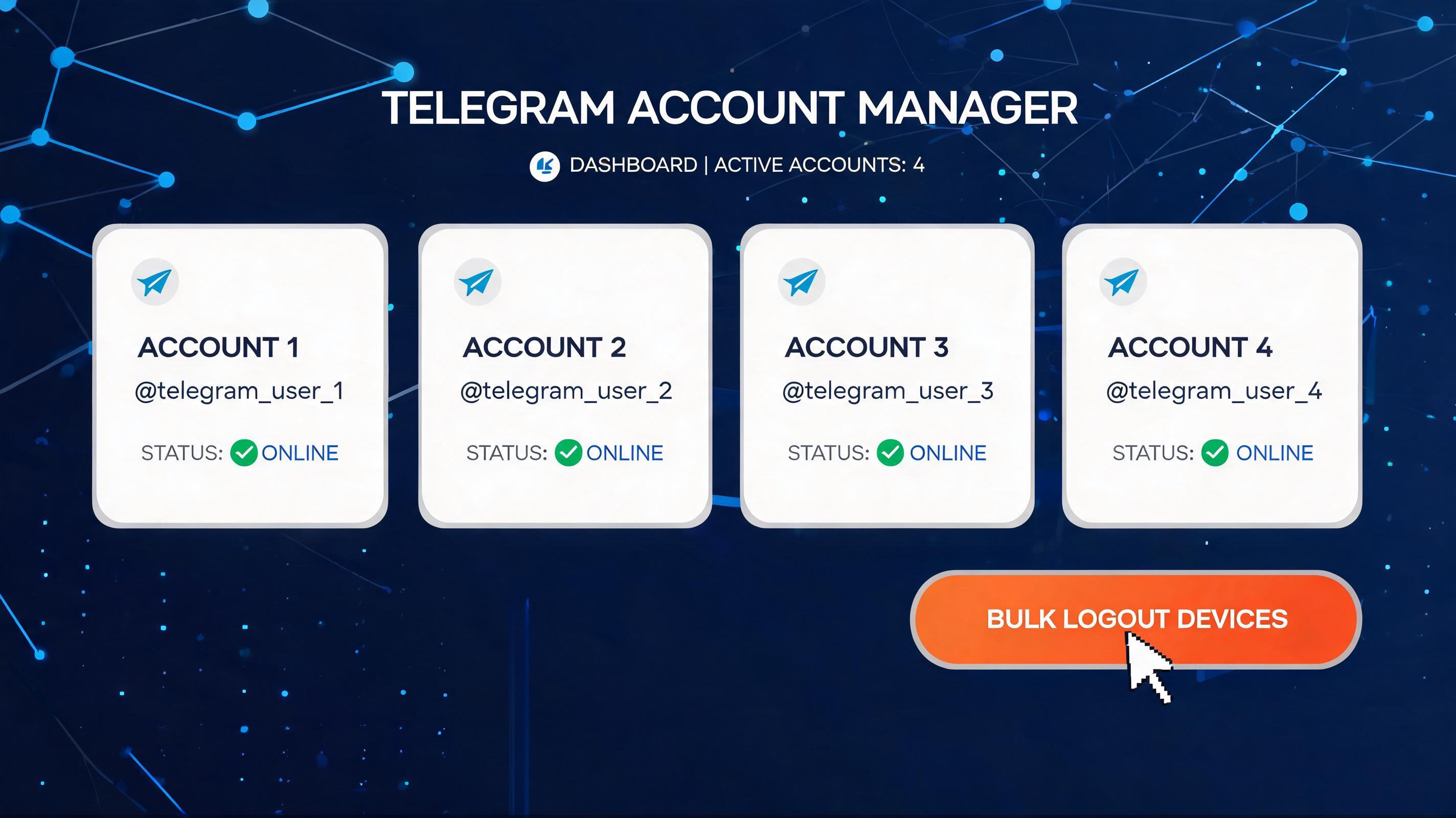
TELEMMX TGTOOLS is your Telegram automation powerhouse: auto-registration, SMS code receiving & number re-binding, and bulk account warming, cutting operational costs by 80%. Deep acquisition: keyword targeting locks in high-intent buyers, boosting conversion 5-10x. Smart marketing reach: private messaging, group seeding, and network-wide broadcasting run 24/7 unattended. Global risk control & anti-ban: built-in real-device simulation and circuit-breaker keep dead-account risk the lowest in the industry. Ops lead interception: one-click permission changes and sub-second response to hot leads.