What Makes Telegram Groups Stand Out?
Telegram groups can have up to 200,000 members and are loaded with features:
- Unified History: Edit or delete messages for everyone.
- Cross-Platform: Access your messages from any mobile or desktop device.
- Instant Search: Find messages quickly, even among millions, with sender filters.
- Replies, Mentions, Hashtags: Keep conversations organized and efficient.
- Smart Notifications: Only get notified when you're mentioned or replied to.
- Pinned Messages: Pin crucial messages to the top; all members get notified.
- Moderation Tools: Appoint admins with granular privileges to manage members and messages.
- Anti-Spam Tools: Enable aggressive anti-spam protection in large groups.
- Group Permissions: Restrict members from posting certain content or even silence them entirely.
- File Sharing: Share files up to 2 GB (4 GB with Premium) and access them on any device.
- Topics: Organize discussions into threads, like a classic forum.
- Public Groups: Get a short link (like t.me/yourgroup) so anyone can view and join.
- Group Boosts: Premium members can boost the group to unlock extra features like stories and custom emoji.
- Customization via Bots: Build custom tools with the Bot API and inline bots.
- Leaving a Group Cleanly: As owner, transfer ownership before leaving so the group continues.
Groups vs. Channels: What's the Difference?
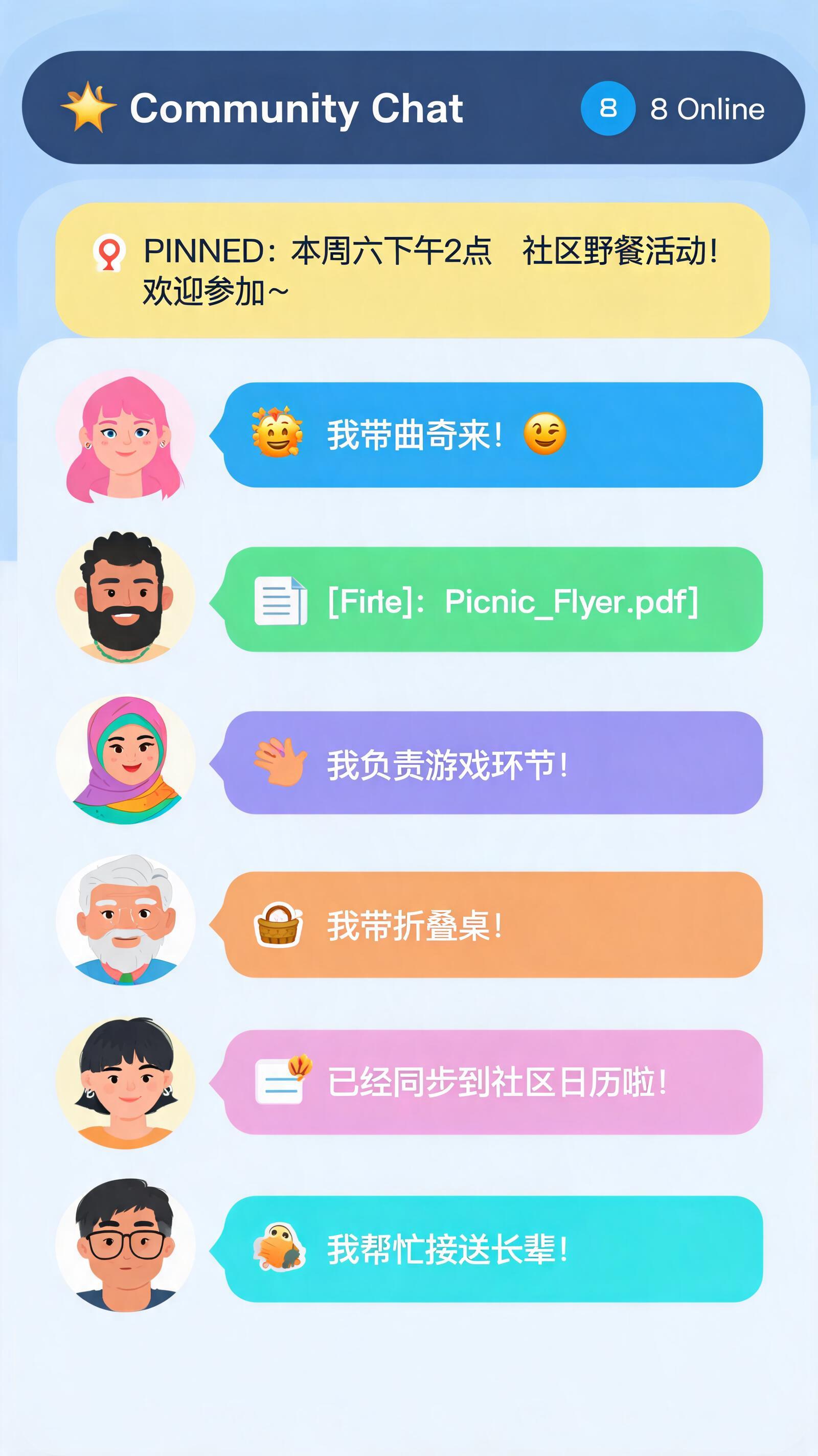
Groups are for community discussions—think family chats or team collaboration. They support up to 200,000 members, offer robust admin tools, and let you pin messages and control history access. Public groups are open to all.
Channels are for broadcasting to unlimited audiences. Posts appear under the channel's name and photo, with a view counter for each message. Perfect for news, updates, or large-scale announcements.
How to Create a Telegram Group
Creating a group is simple:
- iOS: Tap the new message icon (top right) > New Group.
- Android: Tap the pencil icon in the chat list > New Group.
- Desktop: Click the menu button (top left) > New Group.
Assigning Administrators
You can add admins to help manage your group. Set their privileges precisely—like deleting messages, banning users, or pinning messages—to match your needs.
TELEMMX TGTOOLS is your Telegram automation powerhouse: auto-registration, SMS code receiving & number re-binding, and bulk account warming, cutting operational costs by 80%. Deep acquisition: keyword targeting locks in high-intent buyers, boosting conversion 5-10x. Smart marketing reach: private messaging, group seeding, and network-wide broadcasting run 24/7 unattended. Global risk control & anti-ban: built-in real-device simulation and circuit-breaker keep dead-account risk the lowest in the industry. Ops lead interception: one-click permission changes and sub-second response to hot leads.