Follow our Tips Channel to learn more about Telegram features.
Who Can I Write To?
You can write to people who are in your phone contacts and have Telegram. Another way of contacting people is to type their Telegram username into the search field – you don't need to know their phone number to do this.
Who Can Contact Me?
People can contact you on Telegram if they know your phone number or if you message them first.
If they don't know your phone number, they can find you in these cases:
- When you both are members of the same group.
- If you set a public username. Others can use Global Search and find you by your username.
Does Telegram Send Verification Codes for Other Apps?
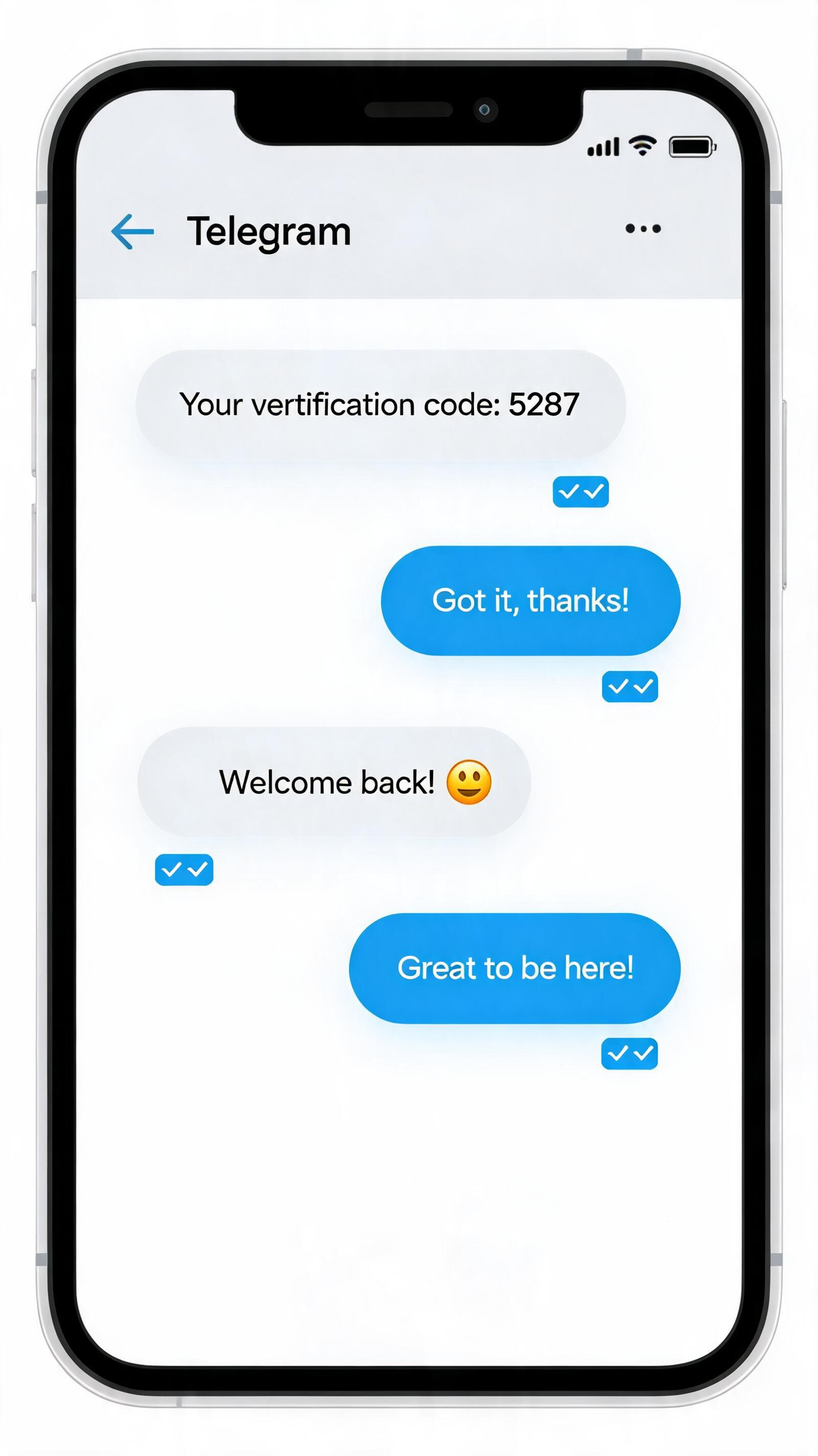
Telegram allows third-party services to send verification codes to their users via Telegram. These codes only appear in the verified 'Verification Codes' chat, and let you tap to instantly copy the code.
Services that do not specify a name or profile picture for their codes will appear with the default name and photo of 'Verification Codes'.
If you receive a code in the 'Verification Codes' chat, it's probably because you requested to log in to a third-party service, like an external website, app or marketplace. It's also possible that someone else accidentally entered your phone number when logging in to another service. Either way, your Telegram account is completely safe — if you didn’t request a code, simply tap on it and select 'Report', no need to do anything else.
Third-party services determine which way your verification codes are sent – and Telegram is not able to control this or make a service aware of your preferences. Unlike SMS codes that frequently fail to arrive and can be interecepted, verification codes sent via Telegram are delivered instantly and are securely encrypted – making them safer and more reliable for both users and services.
The 'Verification Codes' chat is only used for codes from third-party services. Login codes for your Telegram account itself are sent to the verified service notifications chat named 'Telegram' in your chat list and should never be shared with anyone, including other services or apps.
If you'd like to save money and increase efficiency by sending verification codes for your app or service via Telegram, check out the Telegram Gateway.
How Do I Know Who in My Contacts Has Telegram?
Your contacts, who have Telegram, are shown at the top of your Contacts. They also have pictures.
How Do I Invite My Friends?
iOS: The basic invitations are simple SMS messages. They will be charged as standard outgoing SMS by your carrier (unless sent via iMessage). Naturally, you have other options to bring your friends here. Try sending them a download link via any other messaging service: email, Facebook, WhatsApp, an actual telegram — you name it. The link: https://telegram.org/dl/
Android: Open the app menu (swipe right in chat list) > Invite Friends. Then choose an application via which you would like to send out invitations.
You can give your friends a t.me link with your username so that they can easily find you on Telegram even if they don't have your phone number.
What Do the Check Marks Mean?
One check — message delivered to the Telegram cloud and your friend has been notified if he allows notifications.
Two checks — message read (your friend opened Telegram and opened the conversation with the message).
We don't have a 'delivered to device' status for messages because Telegram can run on as many devices as you want. So which particular one would that check mean?
Can I Hide My ‘Last Seen’ Time?
You can choose who sees this info in Privacy and Security settings.
Remember that you won't see Last Seen timestamps for people with whom you don't share your own. You will, however, see an approximate last seen value. This keeps stalkers away but makes it possible to understand whether a person is reachable over Telegram. There are four possible approximate values: